

How does our work create value?
Freelancers create value for their clients, but so many needless tasks get in the way of that. Learn how Hibiscus can help cut through the noise and lead you to creating and delivering what your clients need.


Make It Easier to Reinvent the Wheel
Hibiscus can help you use past projects to create accurate estimates for new projects. Learn about some of the features that help freelancers avoid over- and under-bidding.
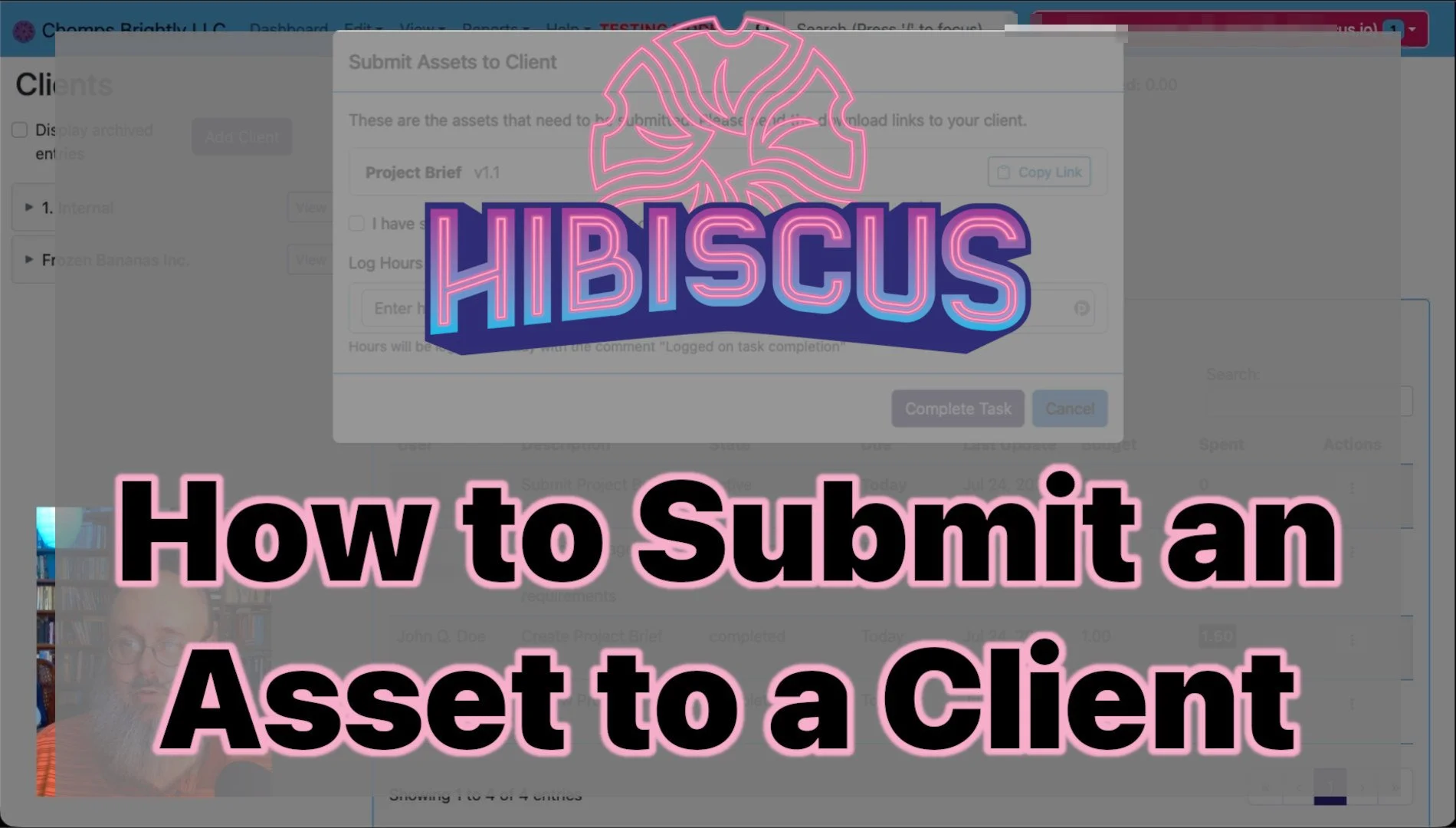
How to Submit an Asset
Our new YouTube video walks you through exactly how to send a finished asset to a client with Hibiscus.
Taking the Guesswork Out of Planning Ahead
By focusing on the freelancer who is running a business, and not the corner-office suit looking to micromanage his underlings, Hibiscus shows you how to plan ahead. Dive into the organizational tools available in Hibiscus and see what they can do for your freelance business.

Create Value for Your Clients Faster
Hibiscus contains a number of helpful tools for getting an idea of where your business is, which clients are expecting to hear from you, and how each project is progressing. Together, these help freelancers create more value for their clients more quickly. Explore these tools and see how this can be done.

Freelancers Create Assets
What is an asset, and why do we care? Come with us on a journey through the workday of a freelancer, and the creation of assets.
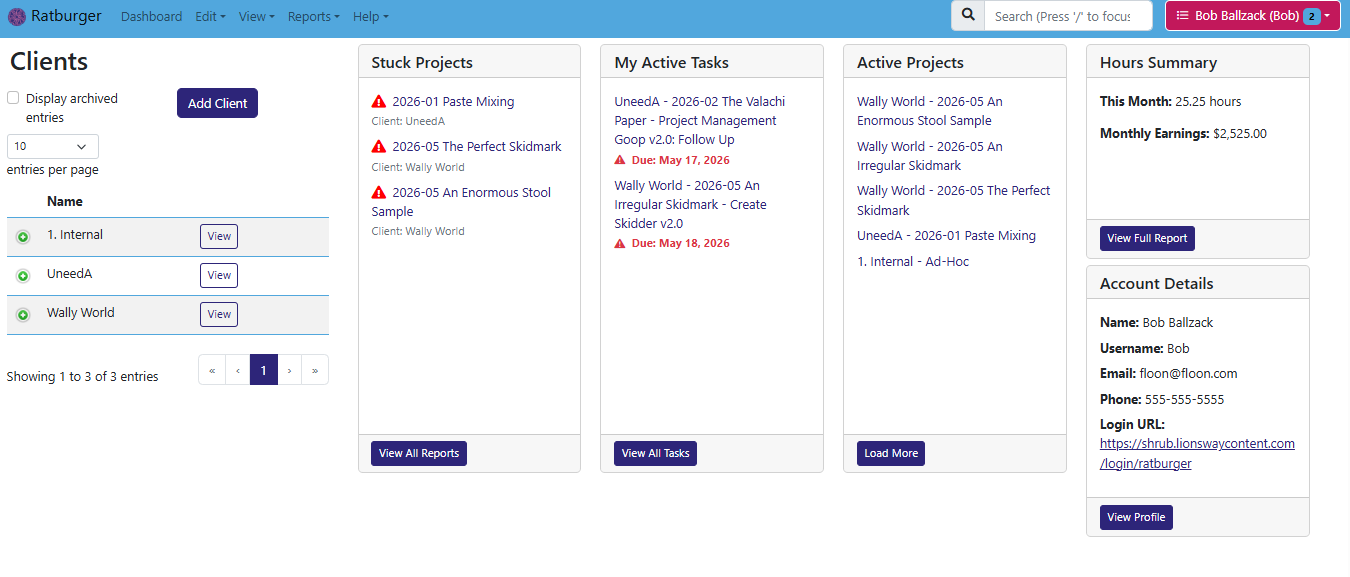
The Hibiscus Dashboard
The Hibiscus dashboard is your portal into all of your work, tasks, and important information. Learn more about using the dashboard to get a snapshot of your current work.

What are Stuck Projects?
Learn about stuck projects, and how Hibiscus can help your projects from getting stuck. Find out how to un-stick a project and make sure that none of your client work falls through the cracks!
Mastering the Hibiscus Task Wizard
The Hibiscus Task Wizard guides you through the creation of a new task, including attaching assets, assigning people, and budgeting time. Learn how to make this powerful wizard work for you!

How Asset Versioning Works in Hibiscus
If you've ever lost track of which version of a file is "the one," or accidentally sent a client an outdated draft, you know how painful asset management can get. Hibiscus solves this with a built-in versioning system that automatically records every meaningful change to an asset and ties it to the work that caused it. Here's how it all works.